When sourcing tech for a business event, training session or short-term project, a common consideration arises: what is the difference between a tablet and an iPad? Though they appear similar at a glance, the differences are significant, especially when determining which device is the right fit for rental. Choosing between the two influences everything from performance and software compatibility to overall user experience. Understanding these distinctions ensures the technology you deploy supports your objectives efficiently and effectively.
Understanding the Key Difference
An iPad is a specific type of tablet developed by Apple. It runs on iPad OS and is part of Apple’s tightly integrated ecosystem. By contrast, the term ‘tablet’ typically refers to devices running either Android or Windows operating systems, produced by a variety of manufacturers like Samsung, Lenovo, and Microsoft.
The operating system is the foundation for most differences between iPads and other tablets. It affects app compatibility, system security, hardware integrations and even the type of accessories available. When comparing tablets vs iPads, the operating environment sets the tone for what each device can deliver.

App Compatibility and Business Use Cases
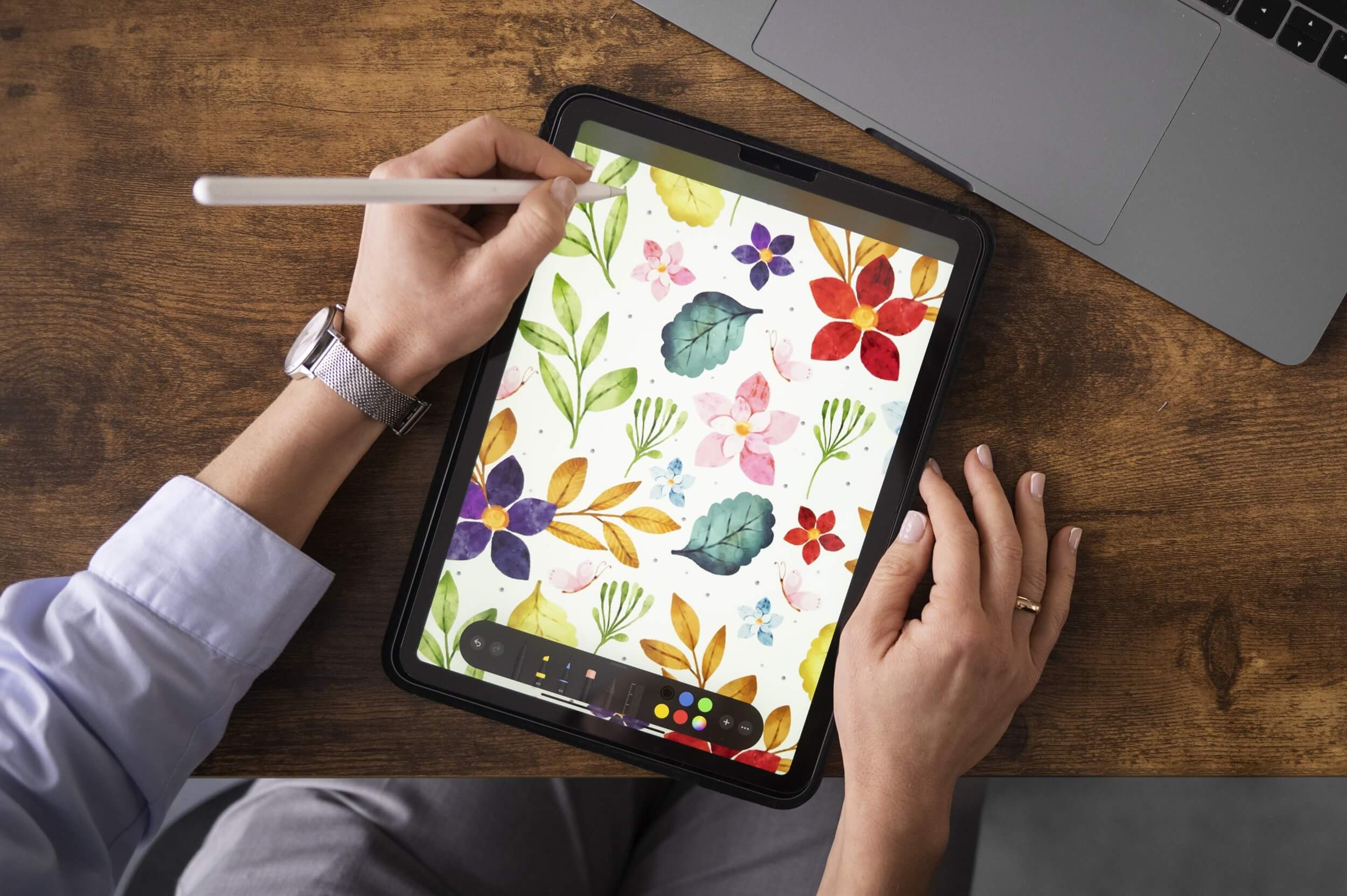
Apple’s App Store is known for high-quality, performance-optimised applications. Many creative and business tools, like Procreate, Keynote, and the iWork suite, are either exclusive to or run best on iPadOS. This makes iPads particularly suited for roles requiring visual presentation, media creation, or seamless user interface experiences.
Android tablets offer more flexibility, particularly for organisations using custom-built applications or requiring open system configurations. They allow installation from a range of sources and are compatible with Google Workspace and similar platforms.
Windows tablets provide full desktop functionality in a portable format. They are ideal for tasks involving traditional software like Microsoft Office, database tools, or industry-specific applications that demand a desktop operating system.
These software differences highlight another way to understand what is the difference between a tablet and an iPad, each supports a different ecosystem, and that impacts which apps and functions are available during your rental period.

User Experience and Practical Performance
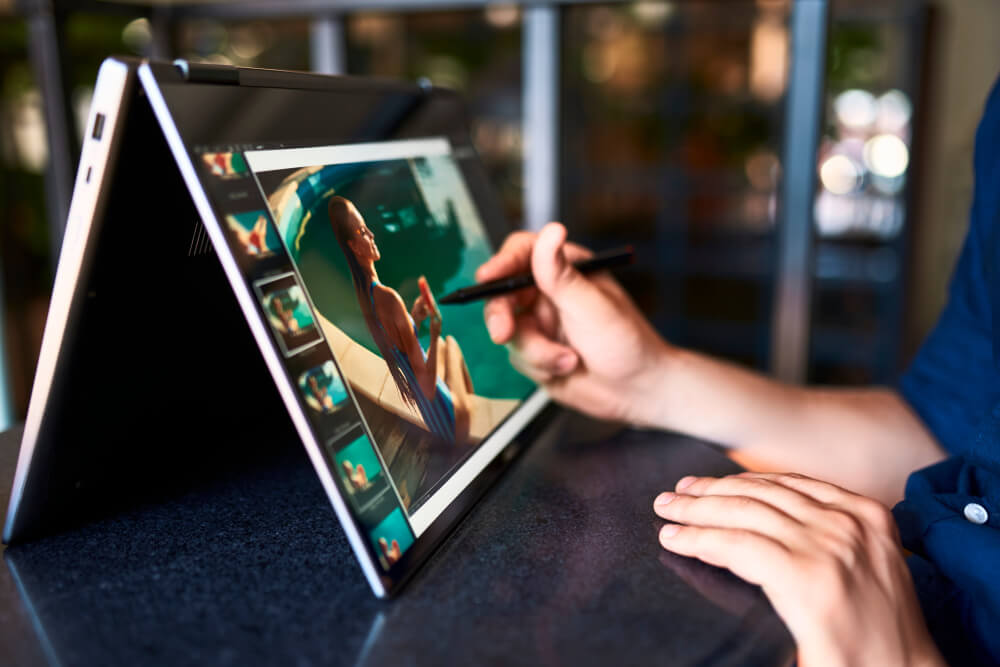
The iPad is designed with uniformity and user accessibility in mind. Its interface is smooth, intuitive, and highly responsive, important factors for high-stakes environments such as trade shows or executive presentations. Accessories like the Apple Pencil or Magic Keyboard enhance productivity and presentation value.
Android tablets vary widely in their design and quality. Higher-end models can rival iPads in performance, while entry-level options are suitable for simpler needs like registration or survey completion. Windows tablets like the Microsoft Surface, combine laptop-level power with touchscreen convenience, offering versatility for both office and on-site work.
Performance requirements should guide the rental choice. A side-by-side comparison of tablet vs iPad usage in events, training, or presentations will quickly reveal which device delivers the right mix of speed, stability and application support for your scenario.
Accessories That Add Value
Accessories can turn a good device into a great solution, especially in business or event settings. iPads shine here, with seamless support for the Apple Pencil (ideal for note-taking or design work) and the Magic Keyboard, which turns the iPad into a laptop-like workstation.
Premium Android tablets like Samsung’s Galaxy Tab series offer styluses and keyboard cases, too, though compatibility varies between models. Windows tablets like the Surface Pro support full-sized keyboards, styluses, and multiple connectivity options, making them ideal for portable office use.
When renting, consider how your team will interact with the device, typing, sketching, presenting, and choose accessories that match those needs.

When to Rent an iPad
iPads are the preferred option for tasks requiring high reliability, consistent speed, and sophisticated visuals. They are particularly effective at:
- Supporting interactive displays and kiosks at exhibitions
- Delivering high-quality presentations in business meetings
- Running creative software for media editing or design previews
- Facilitating secure, pre-configured environments for remote work
They are also a strong choice when compatibility with other Apple products is essential, such as syncing with a MacBook, iPhone, or Apple TV in a professional setup.

When to Rent a Tablet
General tablets offer greater range and flexibility, making them ideal for projects that are broader in scale or require specific configurations. They are often the right choice when:
- Deploying multiple devices across an event space or conference
- Using custom or third-party Android applications
- Operating in mixed-platform IT environments
- Budget constraints require scalable, cost-effective solutions
Windows tablets, in particular, work well when staff are accustomed to Microsoft systems or when a more traditional computing setup is preferred.

Smart, Secure Setup
Security matters, especially when devices handle sensitive data or connect to internal systems. iPads offer strong protection with encrypted storage, biometric login, and full MDM (Mobile Device Management) compatibility.
Enterprise tools can also lock down Android tablets, while Windows tablets easily integrate with corporate IT systems to enable remote setup, access control, and device tracking.
Hire Intelligence pre-configures every device to your specs, so you get secure, ready-to-go tech, no setup headaches, and no data risks.
The Rental Advantage with Hire Intelligence
Once the decision is made, the next step is securing the right devices through a reliable rental service. Hire Intelligence offers both iPads and a broad range of tablets across the UK and Europe, ensuring flexibility, convenience and quality.
Each rental can include:
- Just the hardware – with Access to the latest iPad and tablet models
- Optional Extra support – including pre-configuration with apps, configuring settings, SIM cards and accessories
- Technical support for the HARDWARE throughout the rental period
Whether you require ten iPads for a product launch or fifty Android tablets for data collection, Hire Intelligence provides expert guidance and efficient deployment.

Rent Smart with Hire Intelligence UK
The question ‘What is the difference between a tablet and an iPad?’ becomes crucial when choosing the right tech for a professional setting. iPads offer performance, stability and a refined user experience. Tablets provide flexibility, wider cost options and compatibility with a broader range of business environments.
Each device serves a purpose. The right choice depends on your specific requirements—from the software you’ll use, to how many devices you need, to the impression you want to leave on users or clients.
Hire Intelligence ensures you don’t have to make that decision alone. With a large inventory, fast setup, and expert advice, we make renting the right device easy, reliable, and entirely stress-free.
Need help choosing between iPads and tablets for your next project? Speak to the Hire Intelligence team today for a tailored quote.