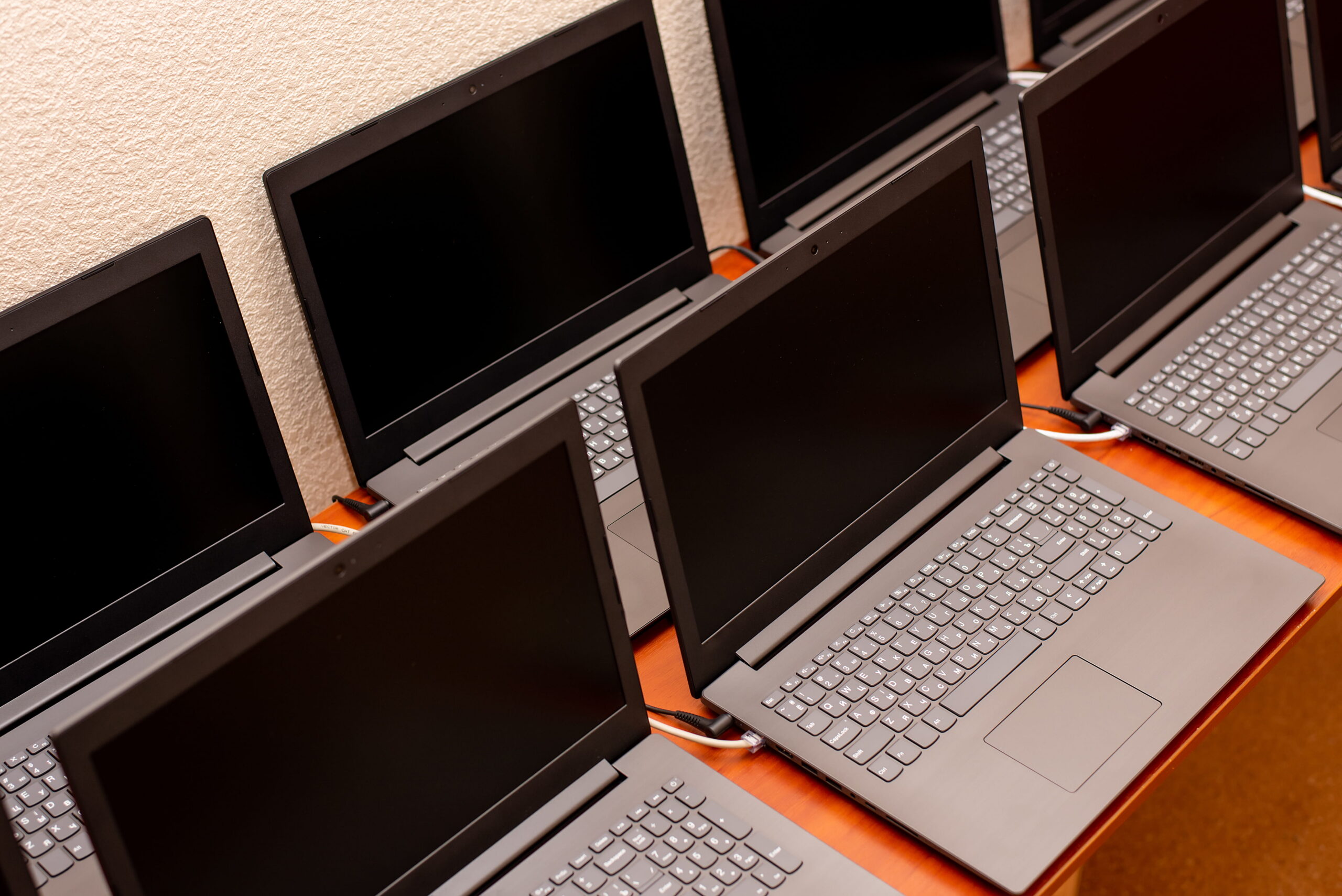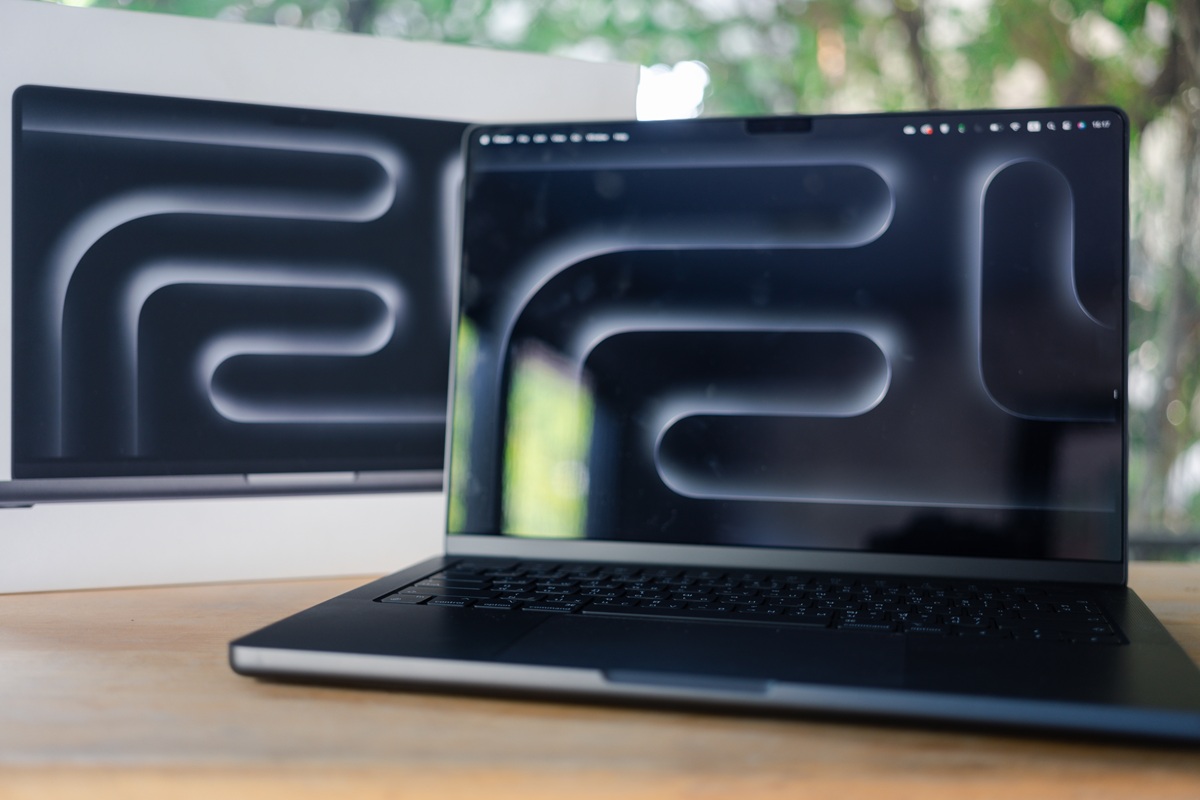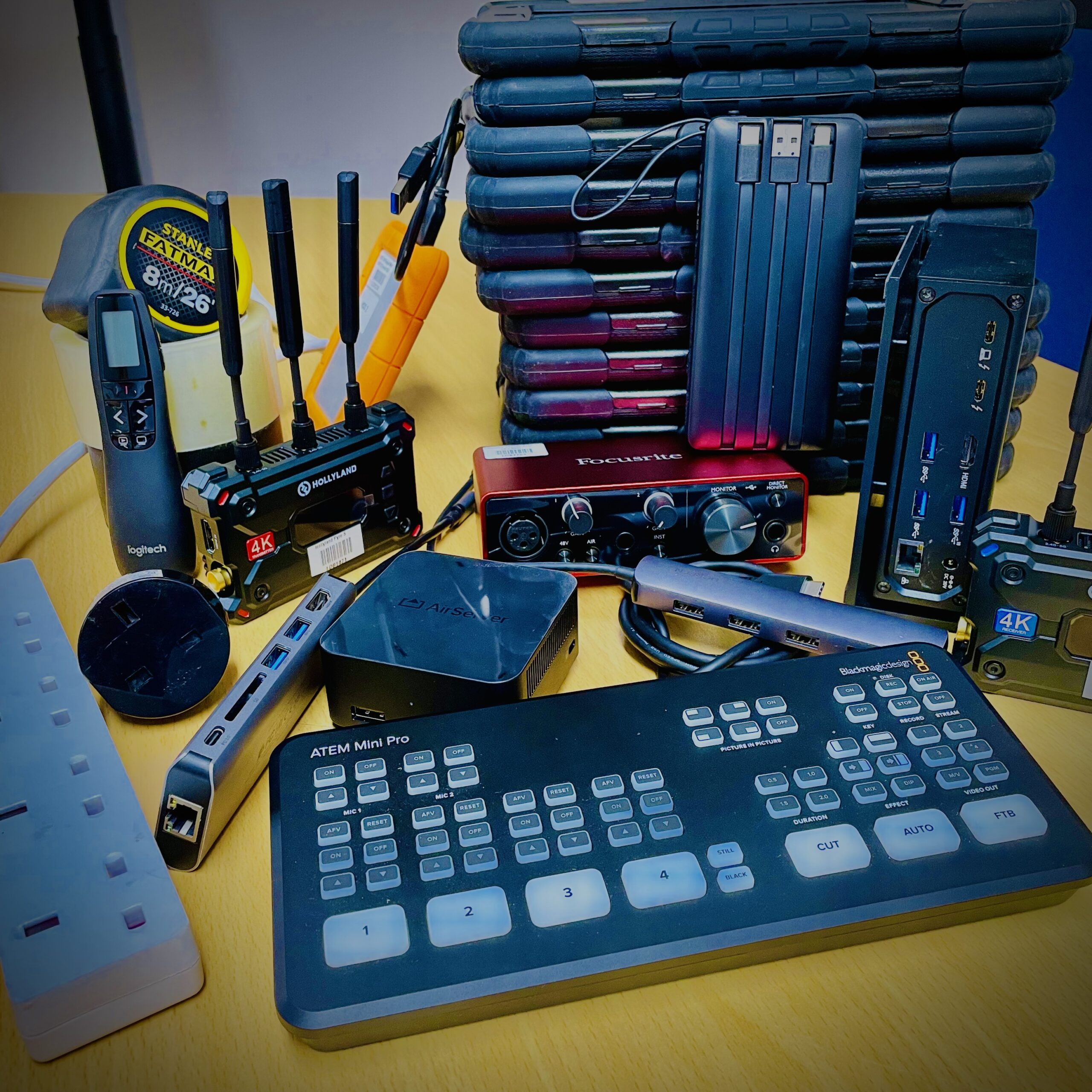

When planning a corporate event, it is natural to start by thinking about the equipment you will need.
Screens, laptops, microphones, connectivity. The list builds quickly and, on paper, it can feel complete.
In practice, that is rarely what determines whether an event runs smoothly.
Events don’t usually fail because something is missing. More often, they struggle because the setup doesn’t function as a whole, with issues sitting between devices, systems and connections.
Understanding how everything works together, rather than simply what is required, is what ultimately shapes the outcome.
Key takeaways
- Corporate events do not fail because equipment is missing; they fail when systems do not work together as expected
- Planning equipment for corporate event delivery requires focusing on how devices connect, not just what is required
- Grouping event technology by function helps create a setup that works as a system rather than a checklist
- Most event issues come from gaps in setup, configuration and connectivity that only appear under live conditions
- Equipment that is prepared, tested and ready to use reduces risk and improves consistency on the day
- A successful event setup is one where every component works together seamlessly from the moment it is used
Why equipment lists do not translate into successful events
A list creates structure, but it does not guarantee that an event will run as expected.
You can account for every item and still encounter issues as soon as everything is in use. A presentation laptop that doesn’t connect cleanly to the display. Registration devices that rely on a network which cannot support them. Audio that works in isolation but doesn’t carry across the room.
These are not unusual situations but are the result of planning each element individually, rather than how they operate together in real conditions.
The structure behind a working event setup
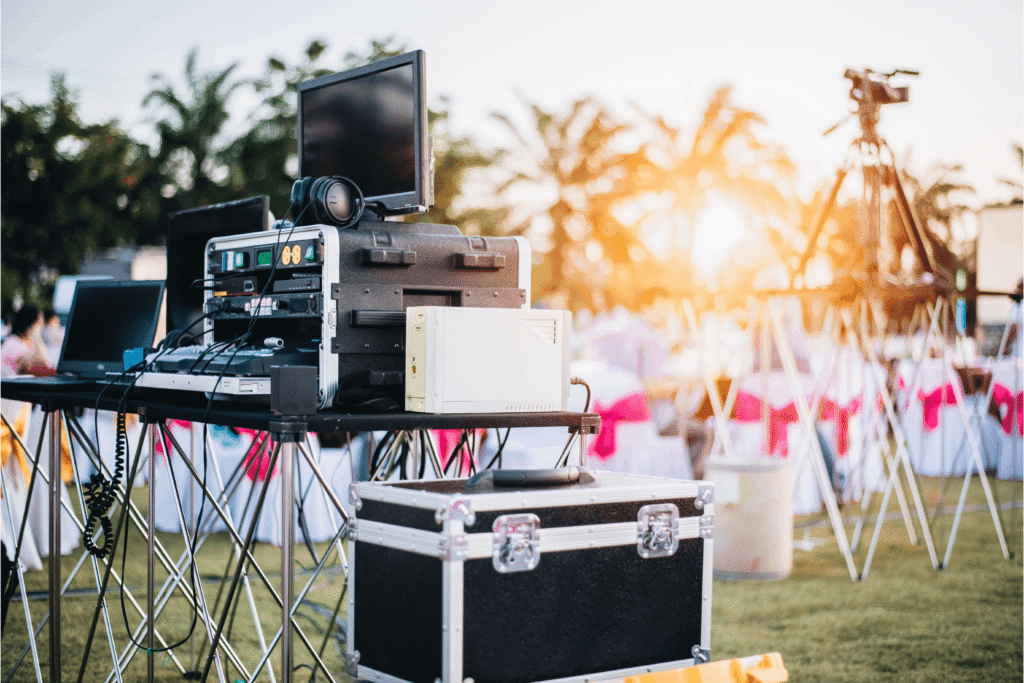
To close that gap, it helps to step back from individual items and look at how an event is structured.
Rather than extending a checklist, grouping equipment by function makes it easier to see how everything fits together once the event is live. This becomes clearer when you look at how different parts of the setup support specific roles within the event.
Display
In most environments, the first question is simple: can everyone see what they need to see?
In conferences, this comes down to scale and positioning. In exhibitions, displays need to attract attention quickly and communicate without explanation.
Computing
Once content is visible, something needs to control and deliver it. Presentations, registration systems and demonstrations rely on devices working consistently in the background, often under continuous demand.
Audio
Audio tends to become noticeable only when it falls short.
What works in a smaller room can lose clarity as the space expands. Coverage and balance matter more than volume alone.
Connectivity
At this point, most systems depend on connectivity. Devices need to communicate, platforms need to load, and processes rely on stable access. When that connection is inconsistent, the setup becomes harder to manage.
Interaction
Some elements support the event. Others shape how people experience it.
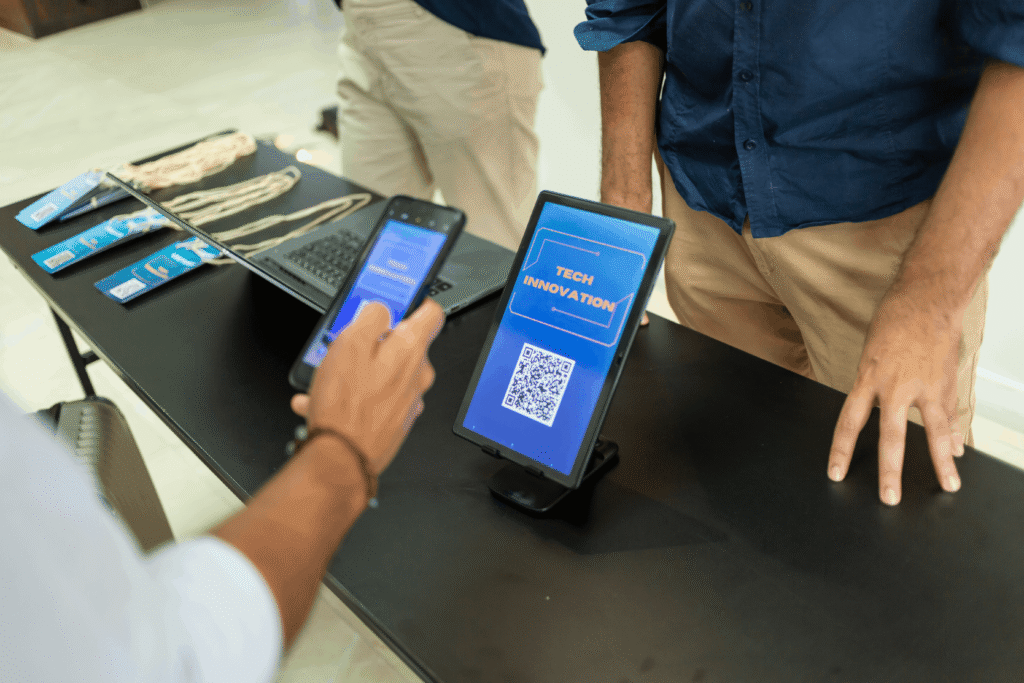
Interactive devices, like tablets and touchscreens, allow attendees to take part rather than observe, often supporting engagement and data capture.
How these elements come together in practice
Individually, each part of the setup is straightforward. The challenge appears when everything needs to work at the same time.
A presentation depends on a chain of connections between device, display and audio, often alongside network-dependent elements. If one part fails, the issue is immediately visible.
The same applies to registration. Devices rely on software, which in turn relies on connectivity. When that connection slows, the process becomes delayed.
Equipment that works in isolation can behave differently once it’s part of a wider system. A connection requires an adaptor that was not planned for. A network struggles under load. Devices prepared separately don’t align.
These are small gaps that only become apparent when everything is in use. Planning with those connections in mind is what allows an event to run without interruption.
While the same structure applies across events, the emphasis shifts depending on the environment. In some cases, clarity and consistency are the priority, while in others, attention and interaction take the lead. Larger internal environments introduce a need for scale, while more visible settings place greater emphasis on presentation quality. Understanding that shift is what allows the same setup to be applied effectively in different contexts.
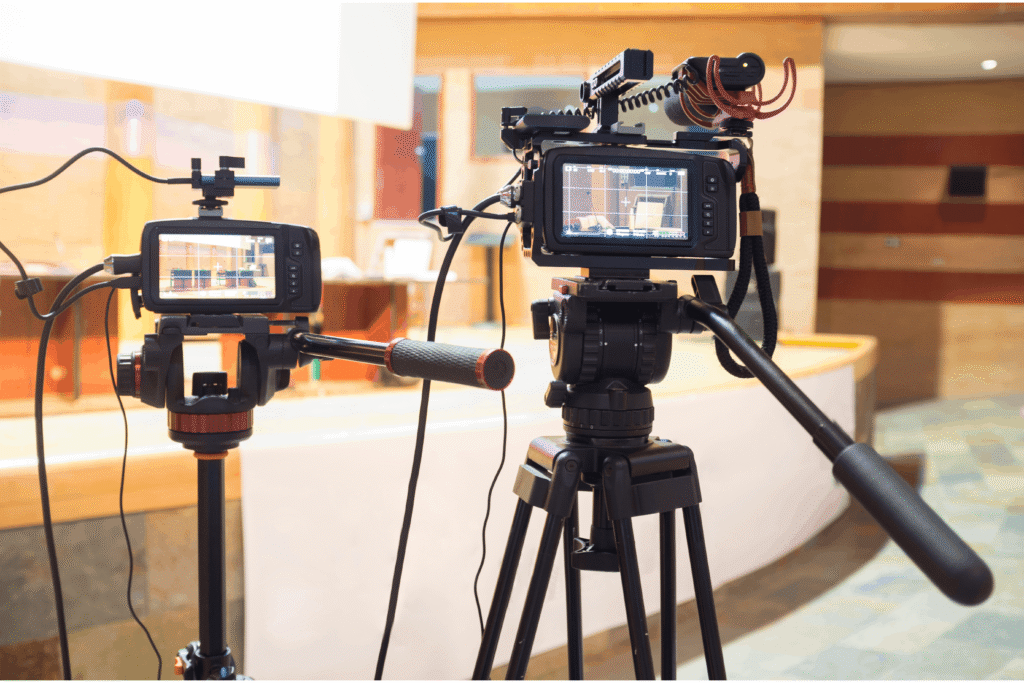
What tends to get overlooked
Most issues do not come from major oversights. More often, they come down to smaller details that only become visible once everything is in use.
Where pressure tends to appear
Preparation is usually where the first signs show. Devices may be ready, but not configured for how they will be used on the day. Software is missing, settings need adjusting, or access has not been confirmed.
Some issues only surface once everything is connected. A cable does not match the input. A format does not display as expected. Systems that worked independently do not align.
When scale changes the setup
As setups expand, power can become a constraint. Layout decisions begin to follow availability rather than intent.
Connectivity often behaves differently under load, particularly when multiple systems depend on it at the same time.
What only shows up under real conditions
Most of these issues are not difficult to identify, but they require time to surface. When testing is reduced, problems remain hidden until the event is already underway.
Without a fallback, even small issues become harder to contain.

Why ready-to-use matters more than having equipment
By this point, the pattern is clear. This is often where the difference appears.
Removing pressure from the setup
In a live environment, there is limited time to adjust. If devices arrive needing configuration or testing, that work shifts into the event window. What should be controlled becomes reactive.
When equipment is prepared in advance, that pressure is removed.
Reducing points of failure
Each additional step introduces risk. Tasks that can be handled in advance become variables when left until the day. A ready-to-use approach reduces those variables and simplifies the setup.
Supporting how events actually run
Events begin at a fixed point, often with multiple systems going live at once. There is no opportunity to pause without it being noticed. Equipment that is fully prepared supports that reality, allowing everything to start as intended.
Deliver your event with control
A well-run event depends on how the setup performs once everything is live. When multiple systems are running at the same time, there is little room for adjustment, and even small gaps can become visible.
When equipment is prepared in advance, configured for its role and tested in context, those risks are reduced. The setup holds together as expected, allowing attention to remain on delivery rather than troubleshooting.
Hire Intelligence can provide that level of preparation. When you involve our team early, we can design a solution around your environment, configure devices for their specific roles, and test everything before arrival.
If you are planning an upcoming event, speak with our team as early as possible to confirm the right setup and ensure everything is prepared for use. The more lead time we have, the more we can do to make the process straightforward from the outset.
Put the right setup in place ahead of your event, so it runs as intended from the moment it begins.
Frequently asked questions
Q. How far in advance should event equipment be arranged?
A. Timelines vary depending on the scale and complexity of the event, but earlier planning allows more time for configuration, testing and coordination. For larger or multi-day events, securing equipment well in advance helps ensure availability and allows for a more considered setup.
Q. How do you ensure consistency across multiple devices at an event?
A. Consistency is achieved through pre-configuration. Devices should be set up with the same software, settings and access requirements before arriving on-site. This avoids discrepancies during use and ensures a uniform experience across all users.
Q. What should be considered when choosing between short-term hire and purchase?
A. For one-off or infrequent events, hiring provides access to up-to-date equipment from tried-and-tested brands, without long-term commitment. It also allows setups to be tailored to specific event requirements, rather than adapting existing equipment that may not be suited to the environment.
Q. What role does pre-event testing play in reducing risk?
A. Pre-event testing helps identify issues that are not visible during initial setup. Running through the event setup in advance ensures that devices, connections and systems behave as expected under realistic conditions.
Q. How do venue constraints impact equipment choices?
A. Venue layout, access points and infrastructure can significantly influence how equipment is deployed. Ceiling height, room shape and available power all affect placement and performance, so these factors need to be considered early in the planning process. For larger events or more complex environments, we welcome event organisers and enterprise communications teams to visit us. We can also come to the venue directly, so we can design the right solution together with a clear picture of the space.